01
Start on the page.Read
A private reading companion
Get more time with the books you love. LeafWave seamlessly turns your eBooks and documents into expressive audio, so you can keep reading uninterrupted—whenever and wherever it matters.
Google Play requires Android apps to complete closed testing before public release. By joining the group, you’ll help immensely to make LeafWave for Android a reality.
Available now for iPhone and iPad
A reading life in motion
Read
Listen
Return
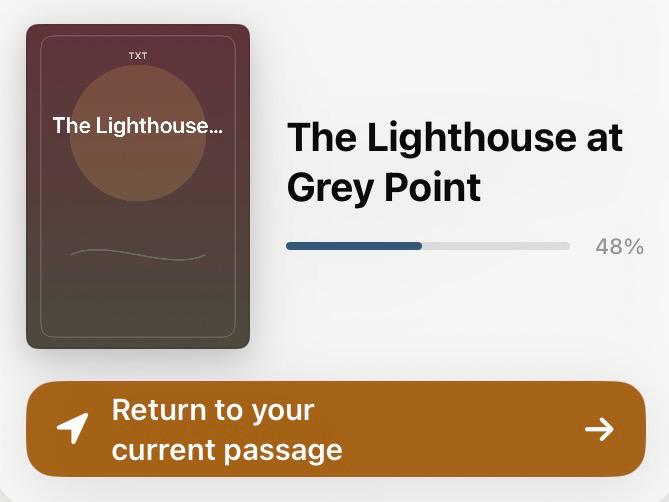
Try the real voice
Choose a language, then press Listen. Four passages—English, Spanish, French, and Hindi—were rendered locally with Supertonic 3.
Real audio · no cloud synthesis during playback · Supertonic 3 / OpenRAIL-M
That night the fog came in early. It rolled over the headland in slow grey sheets, swallowing first the pines, then the cottage, then the rocks below.
Inside LeafWave
Every image below is captured from the real LeafWave app on iPhone or iPad.
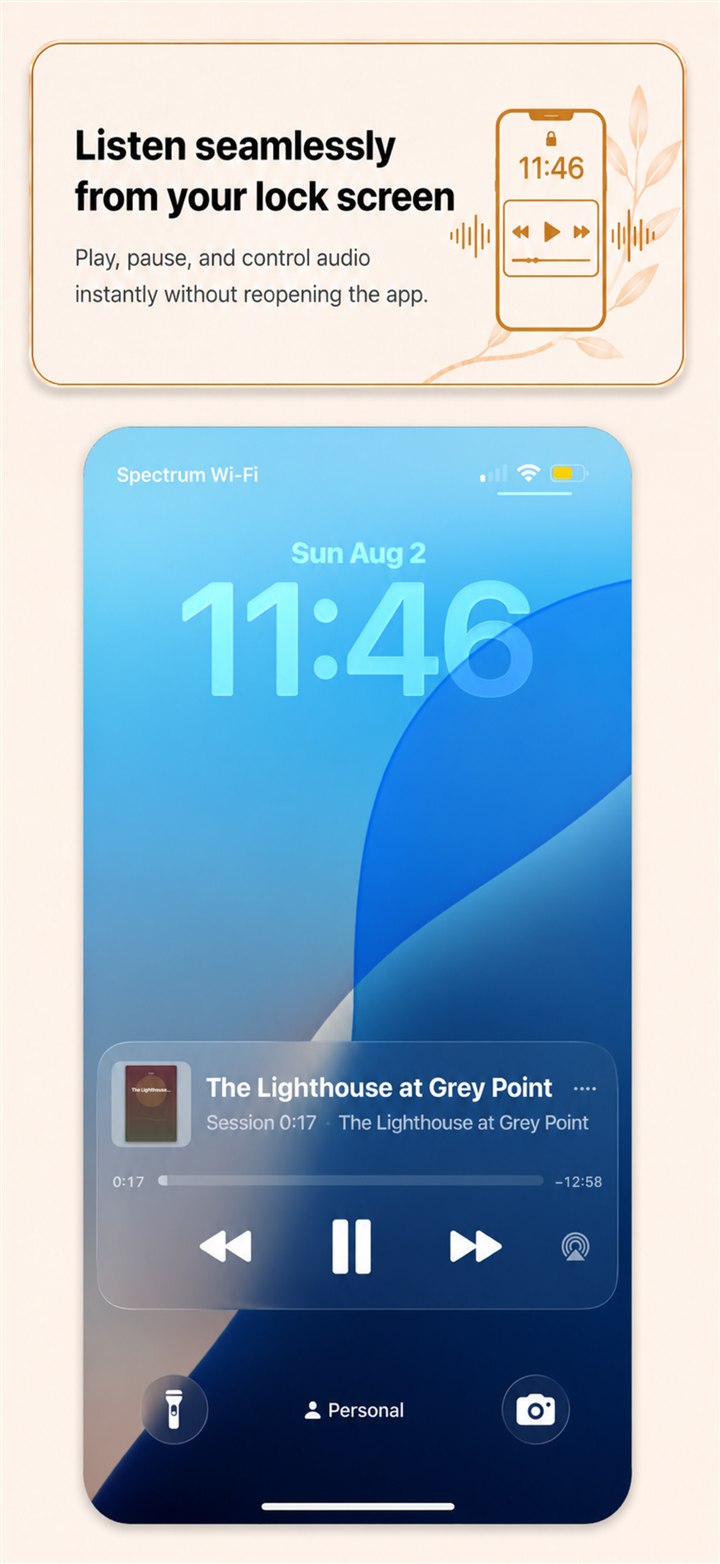
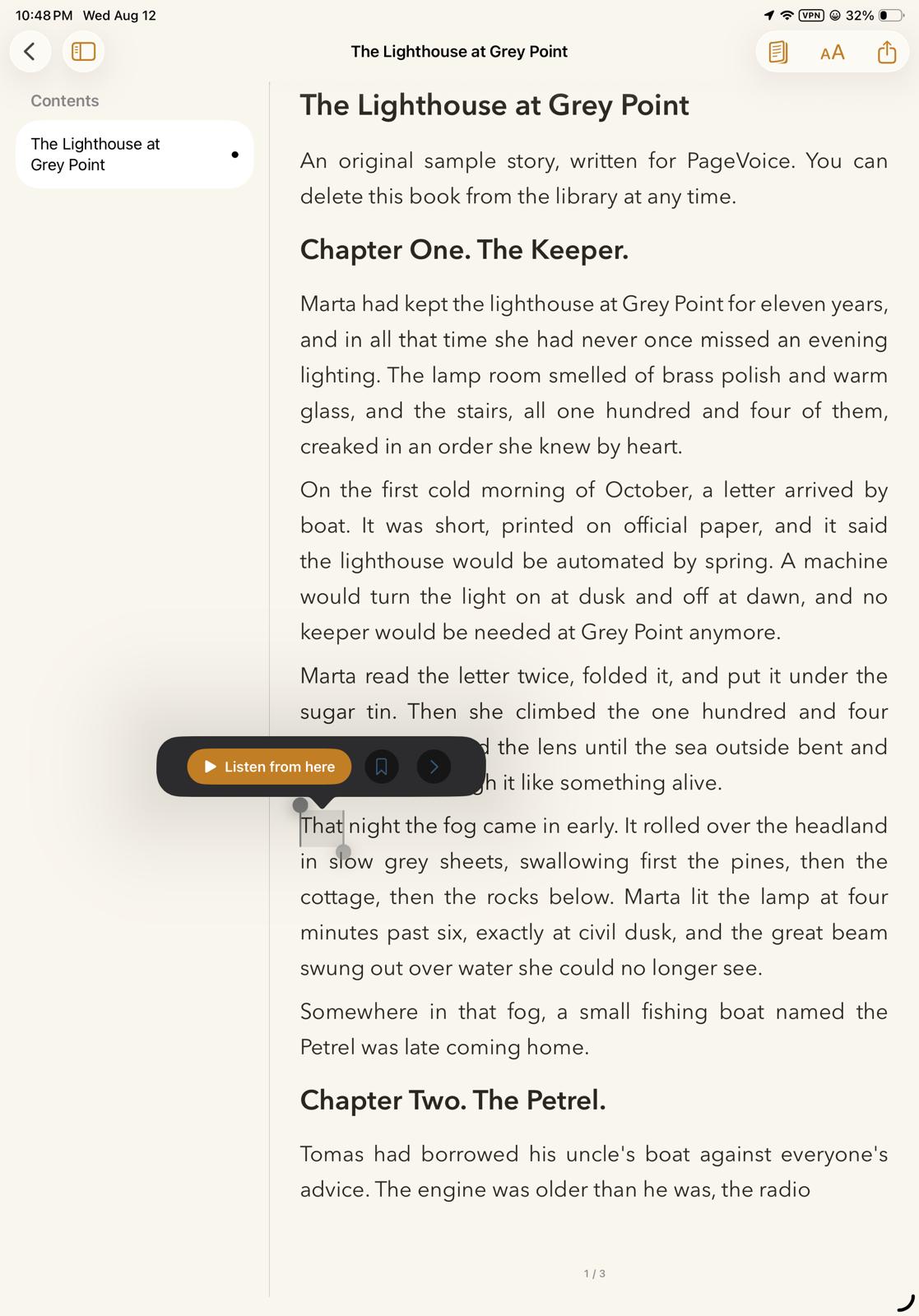
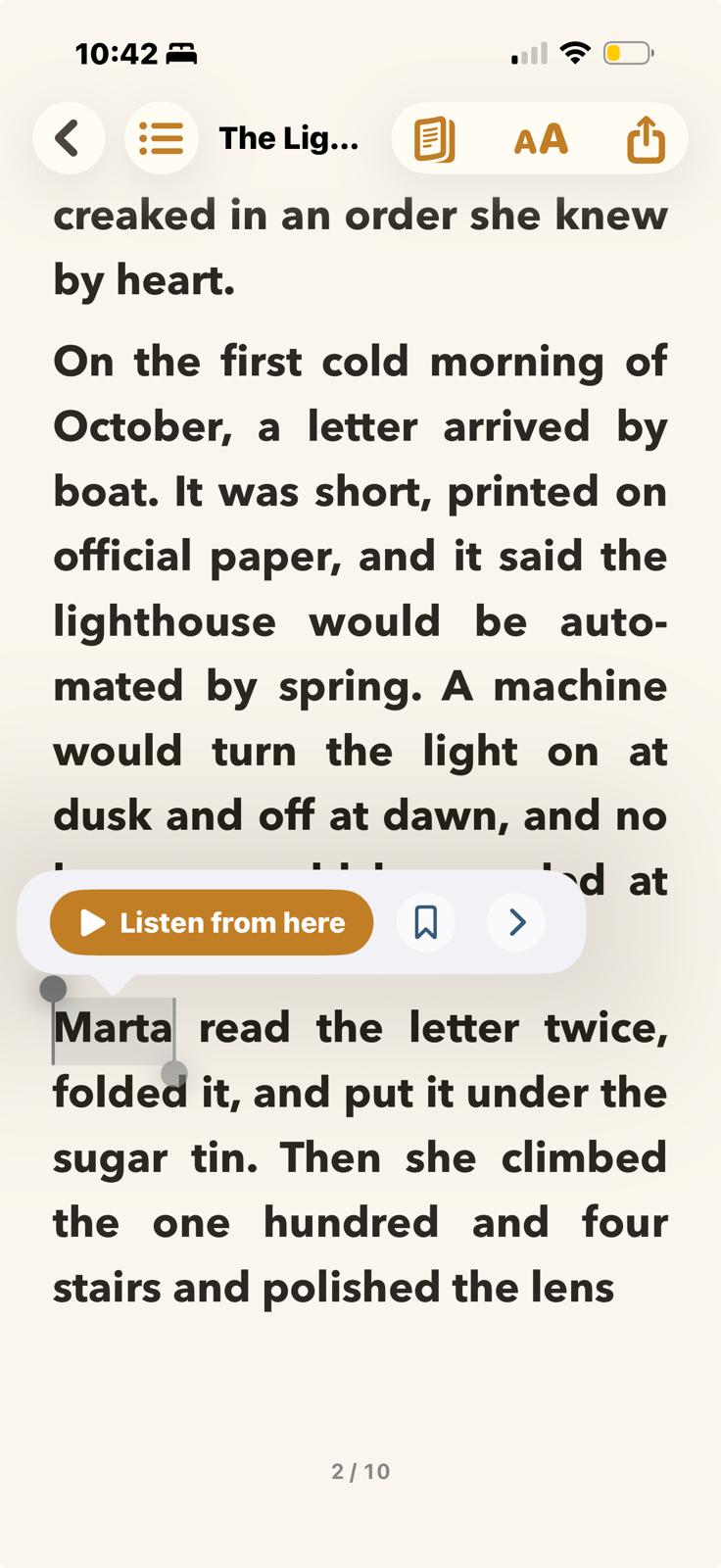
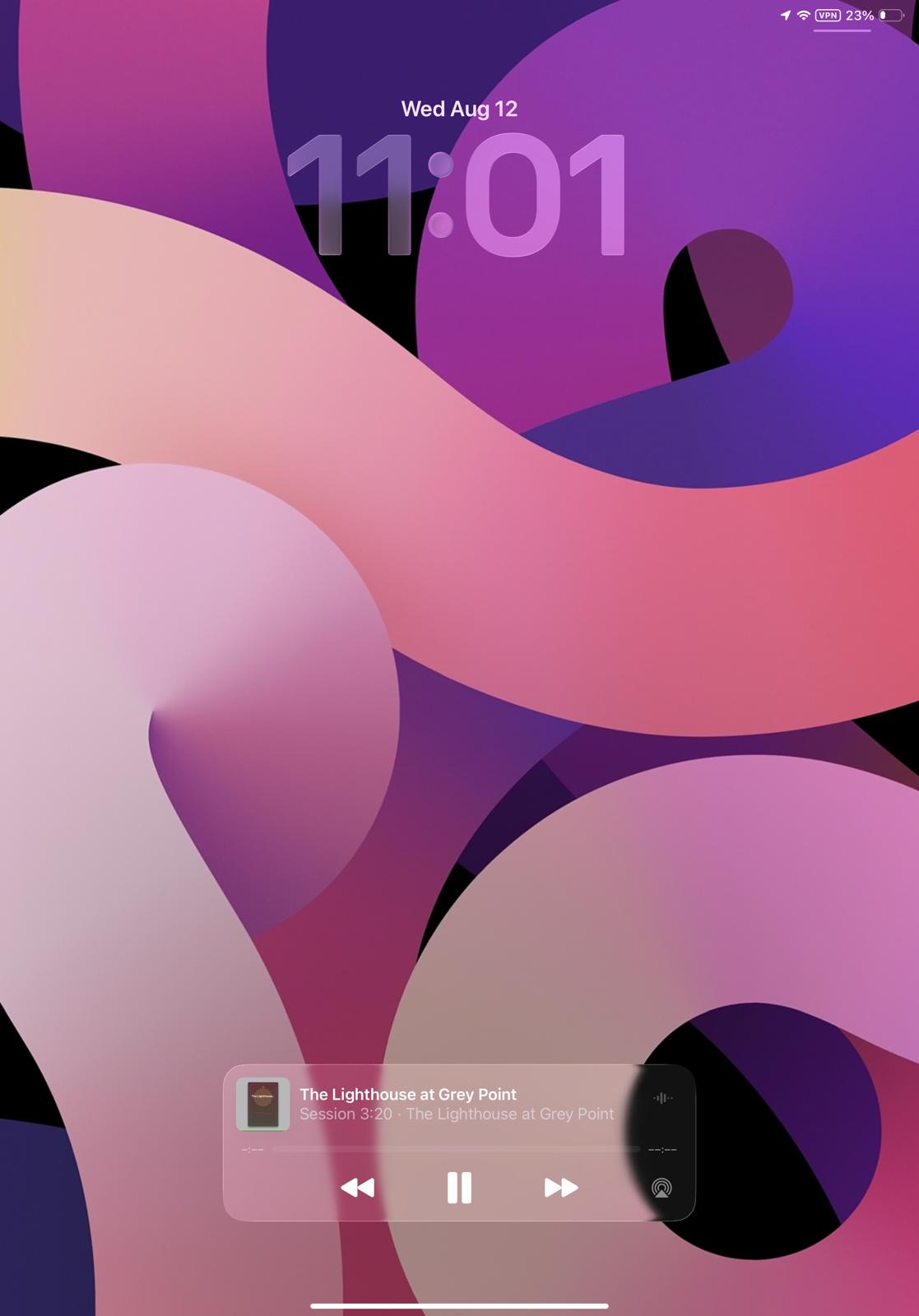
Play, pause, and control audio instantly without reopening the app.
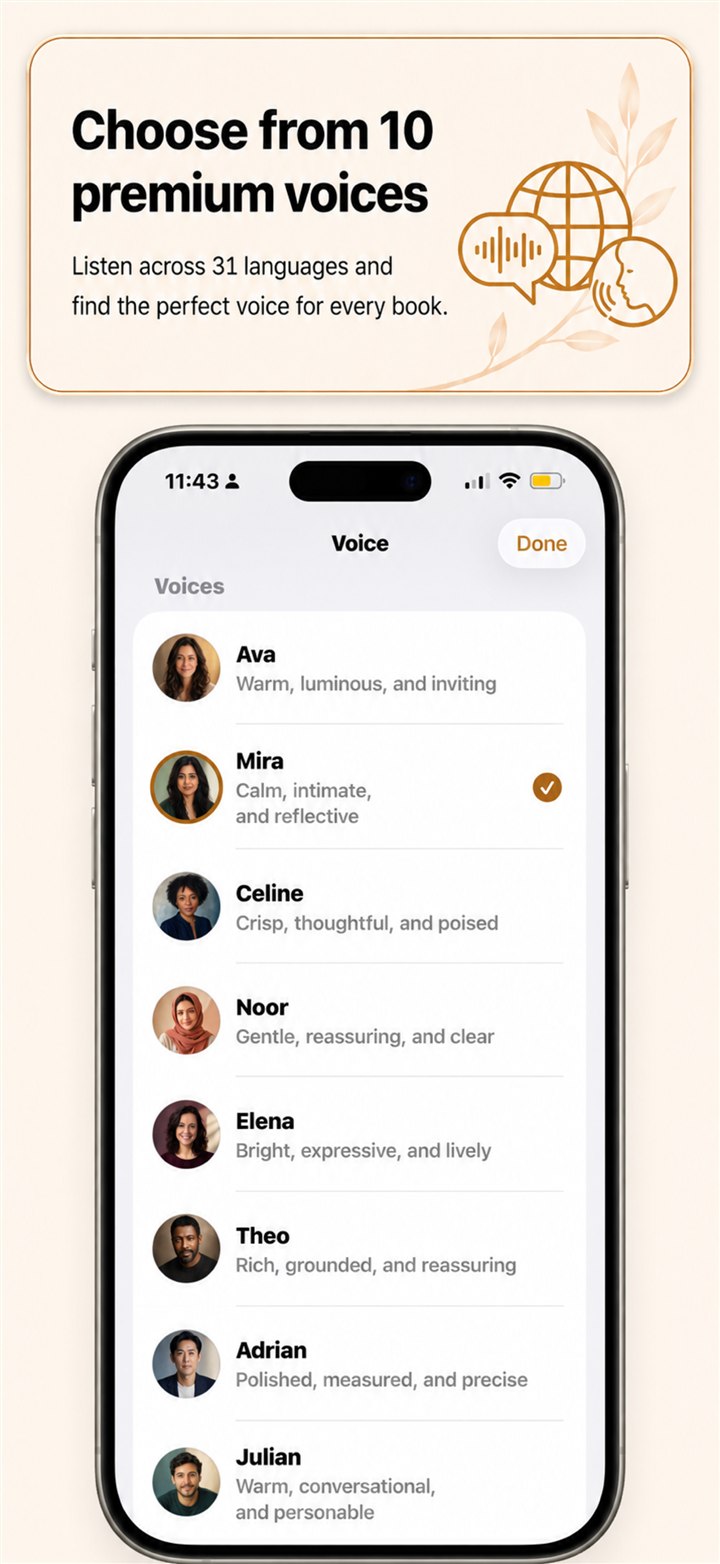
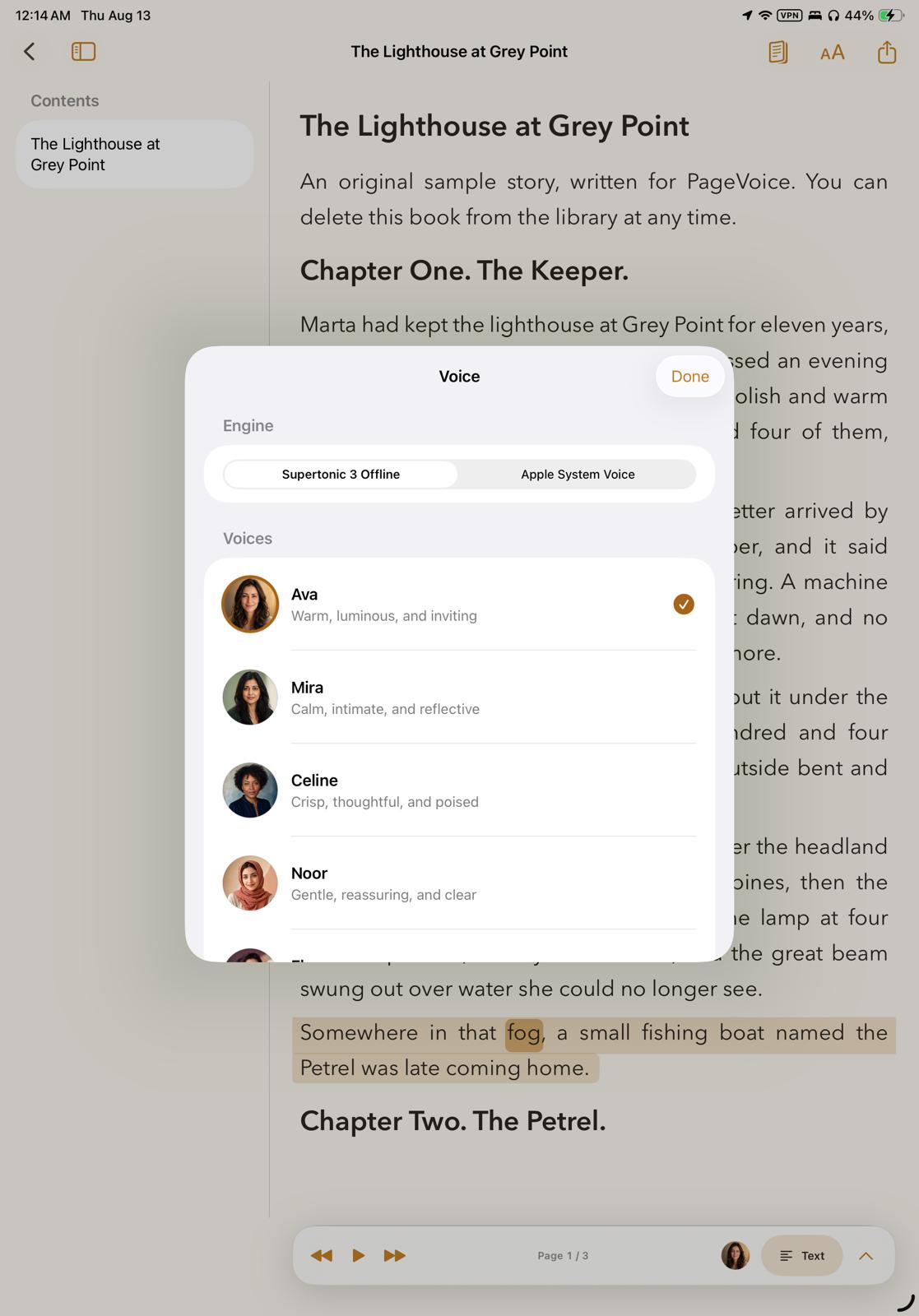
Listen across 31 languages and find the perfect voice for every book.
Read → listen → read
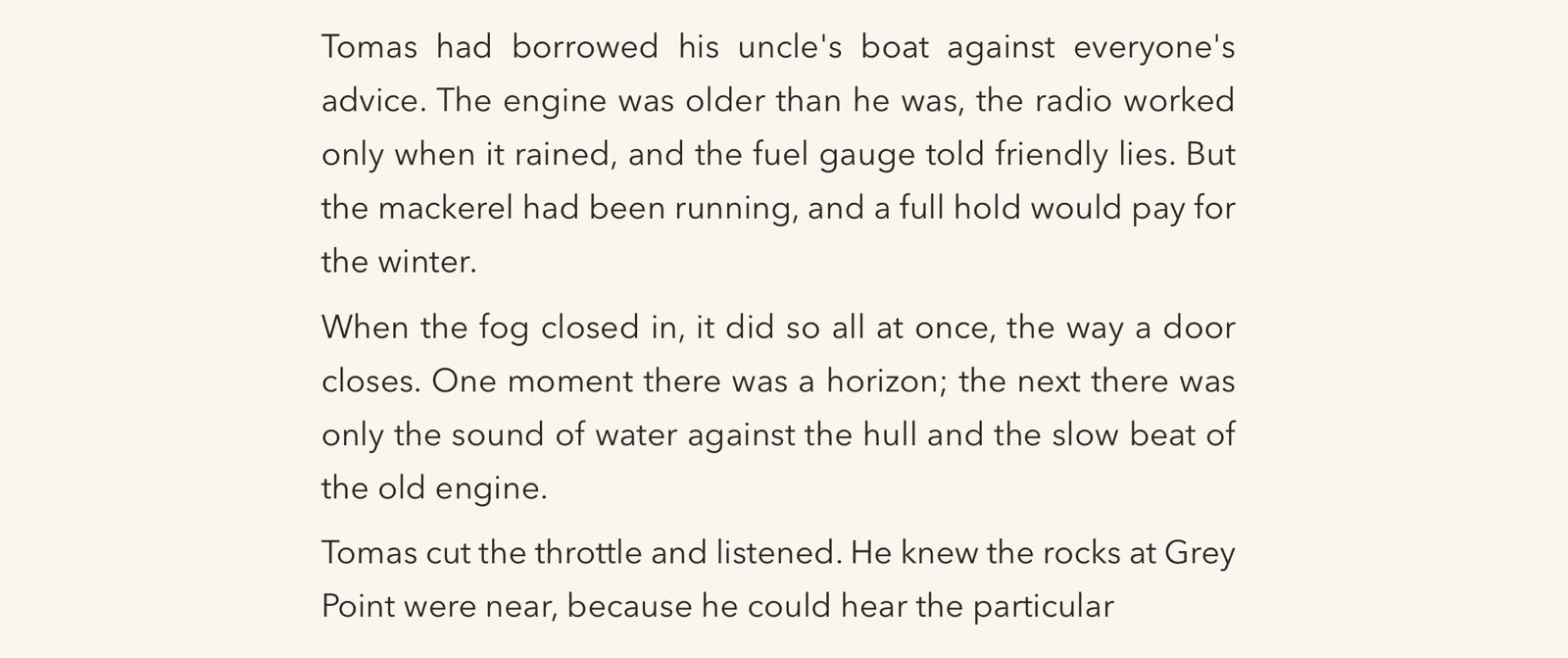
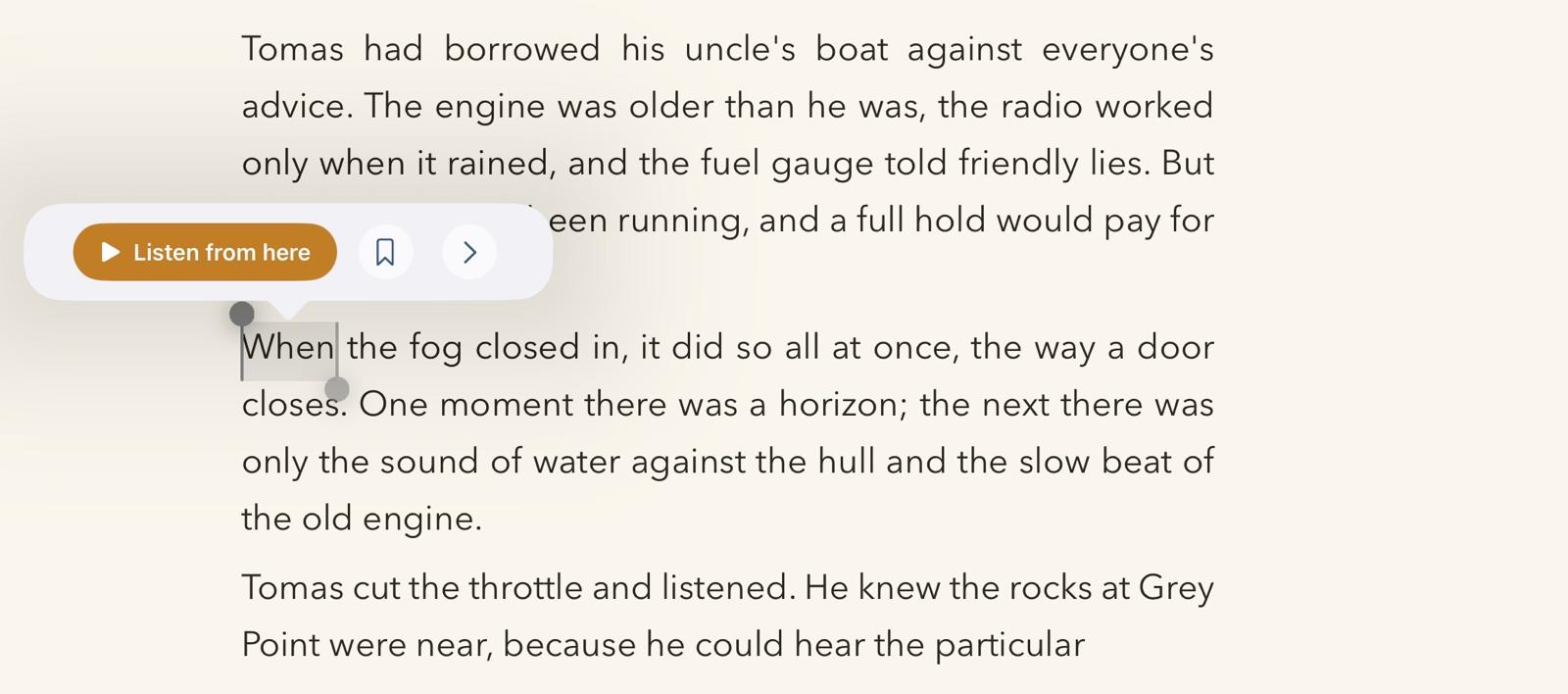
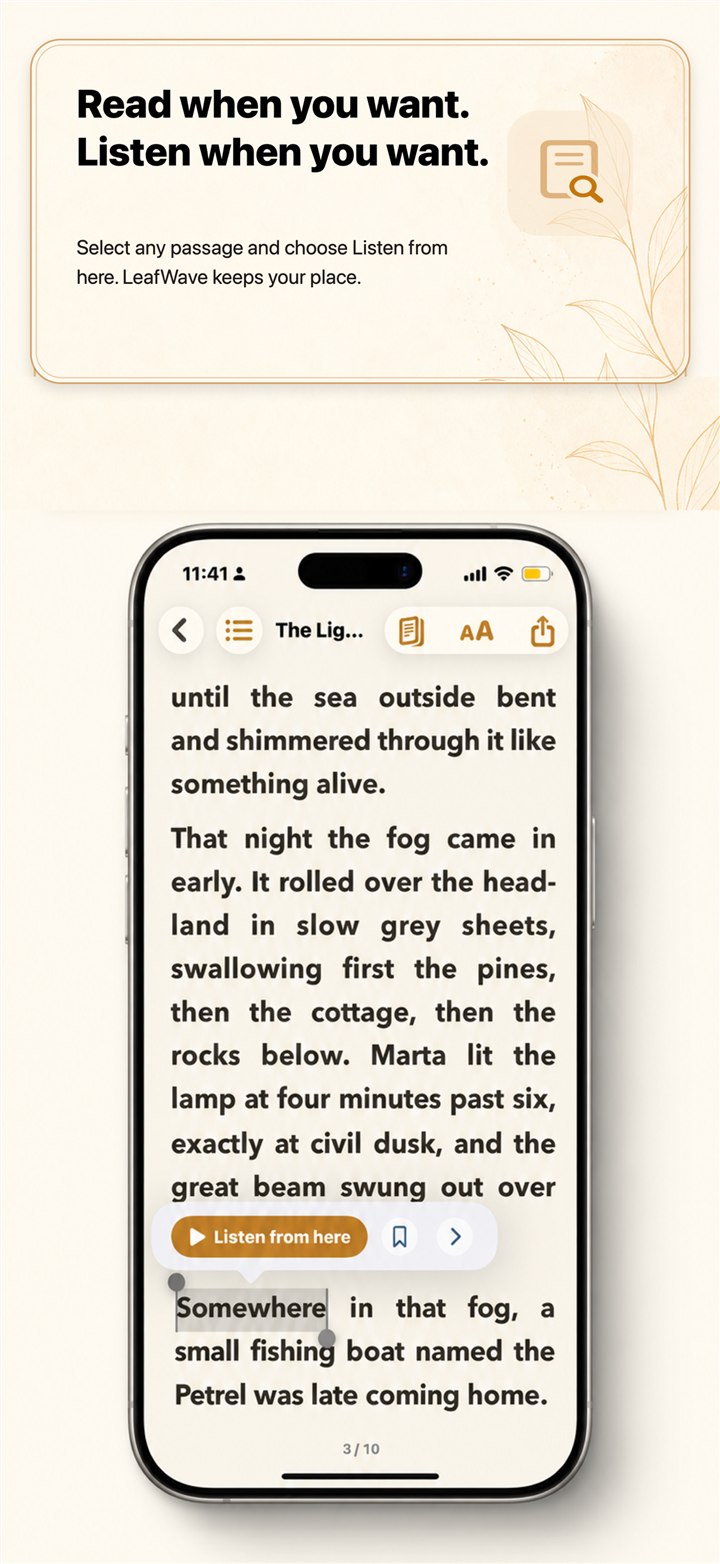
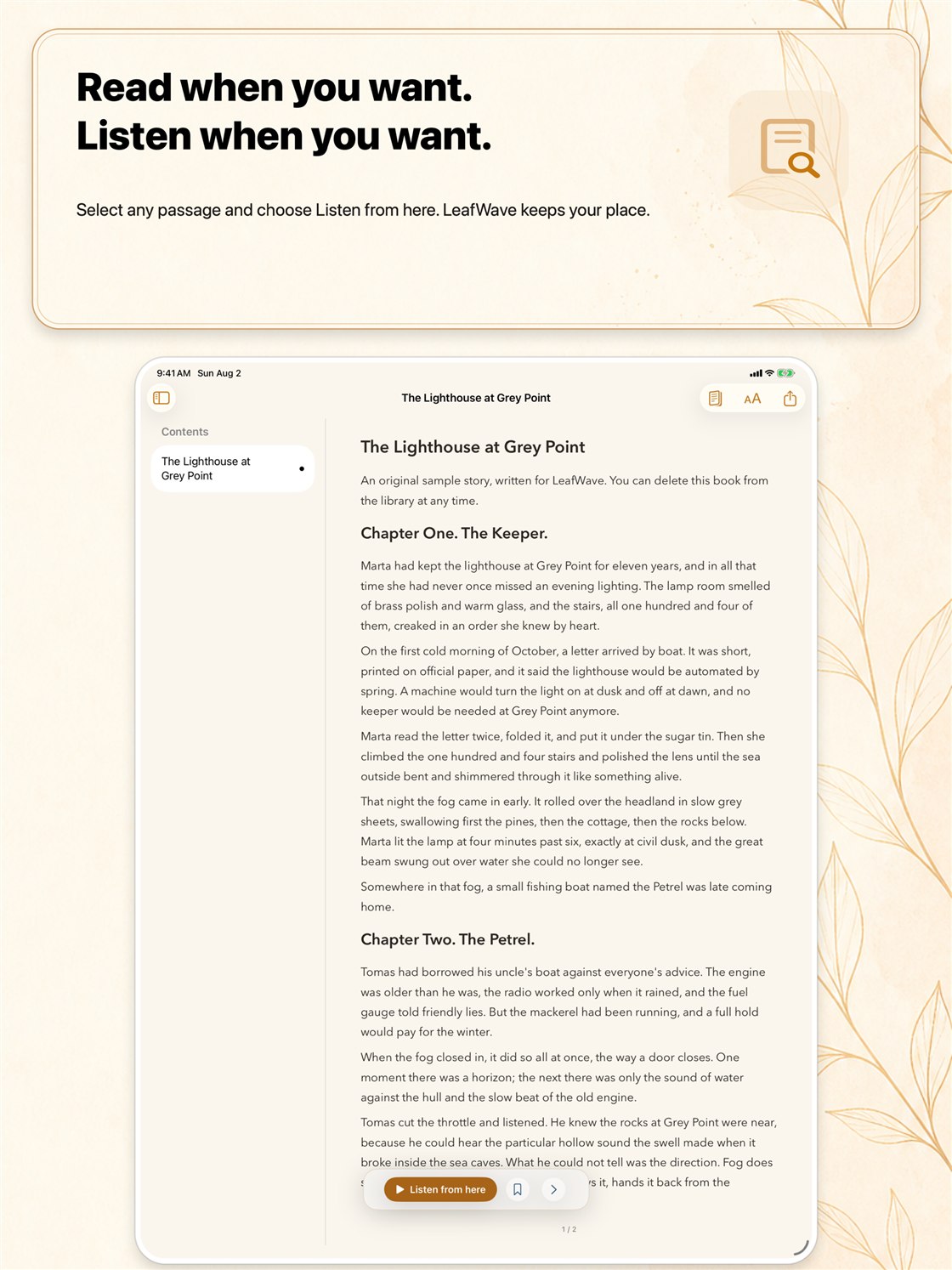
Select a passage, begin listening, and return to the same point when your eyes are ready for the page again.
Listen anywhere
Background and lock-screen playback keep controls close on a walk, commute, or quiet afternoon away from the screen.
Made for your ear
Ten on-device voice styles, adjustable pace, automatic language handling, and pronunciation teaching for the names that matter.
Read + follow along
LeafWave follows the narration in the text, so listening never means losing the thread.
The sea was a silver field beneath the waking sky
Quietly private
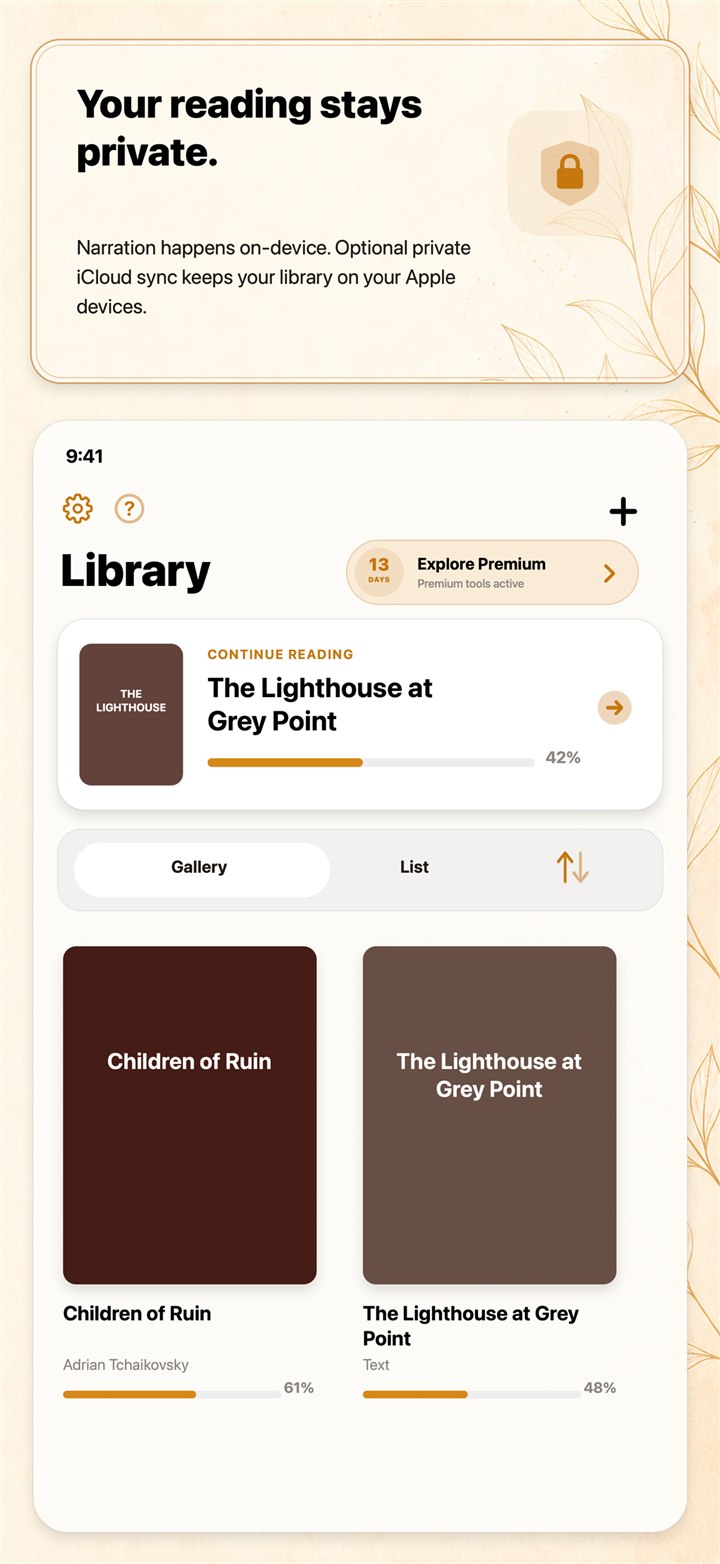
LeafWave’s narration and document analysis run directly on your device. Imported documents stay local unless you choose private iCloud sync or share an export.
Small things, deeply considered
Choose a natural voice, adjust playback speed, and continue from the exact passage that matters.
Fine-tune text size, line spacing, theme, and reading layout for a more comfortable session.
Bookmarks, highlights, passage comments, and annotated exports keep important ideas close.
Automatic language handling supports narration across 31 languages with Premium.
Android closed testing
Google Play requires closed testing before LeafWave can launch publicly on Android. Join the first small group, share real-world feedback, and help immensely to make the Android release a reality.
Questions, answered
LeafWave supports EPUB, PDF, plain-text, Markdown, HTML, and RTF documents, as well as pasted text.
Yes. Once the on-device voice is ready, narration can continue without an internet connection.
Narration and document analysis happen on-device. Your imported documents stay local unless you enable optional private iCloud sync or share an export.
Yes. LeafWave supports background and lock-screen playback controls.
LeafWave is available now for both iPhone and iPad.
Android is coming soon.